Record & mix
WebDAW
A multitrack studio in a browser tab.
Record, comp, edit and mix a full session without installing anything. Glitch-free audio-thread capture, take comping, a real mixer with insert effects, and in-browser stem separation.
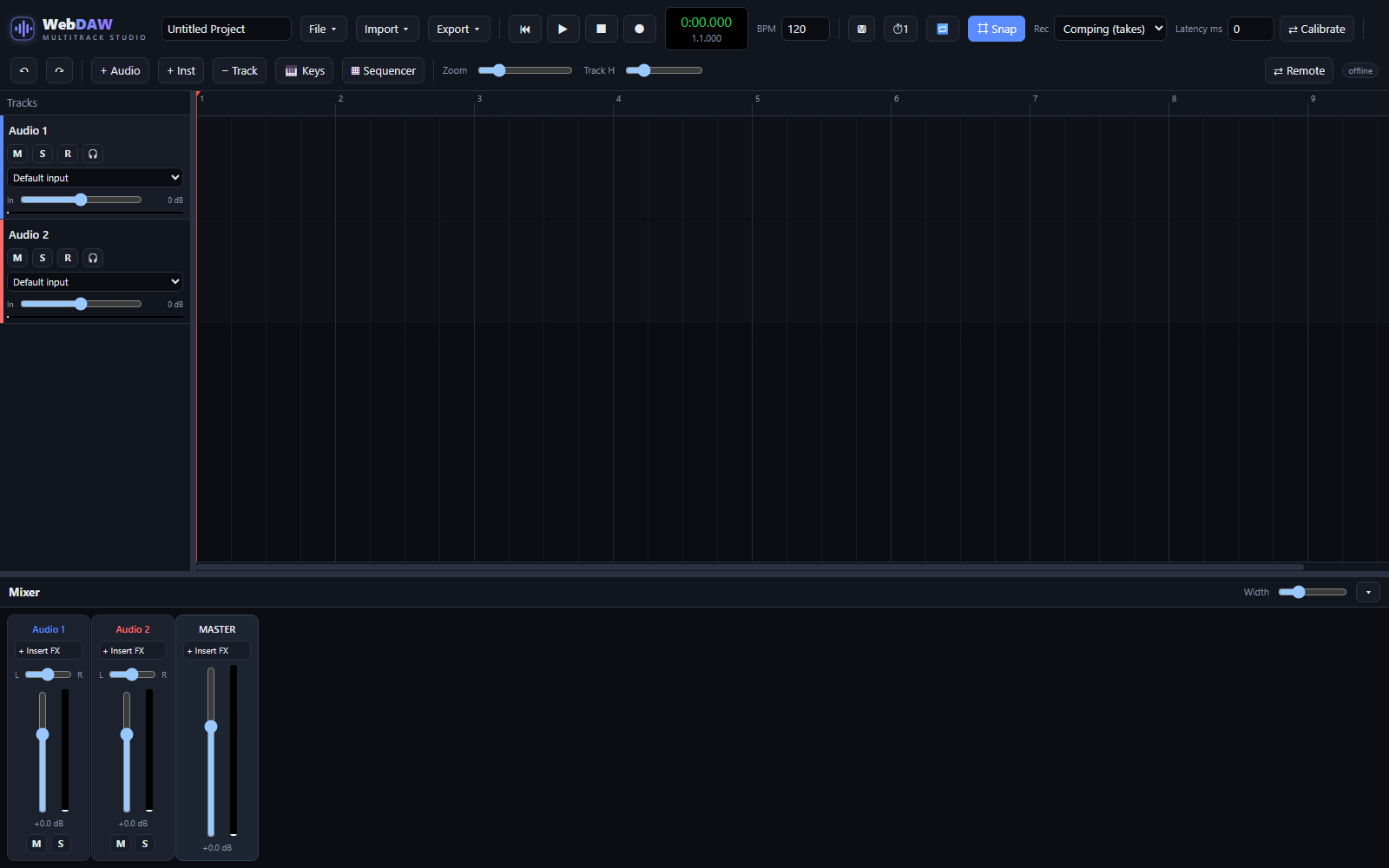
WebDAW records on the audio thread through an AudioWorklet, so takes stay glitch-free even while the interface is busy. Everything is processed in 32-bit float from input to export.
Each clip has an inspector with the tools you usually leave the DAW for: normalize, reverse, fades, voice cleanup, profile noise reduction, tempo analysis and pitch-preserving time-stretch. Every destructive edit renders a new file and can be undone.
What's inside
Glitch-free recording
AudioWorklet capture on the audio thread, 32-bit float throughout, plus a latency calibration tool.
Comping & record modes
Record takes and promote the best parts, or use Sound on Sound or Overwrite for the whole project.
Clip editing
Trim, split, duplicate, drag gain lines, snap to grid and drag clips between tracks.
Clip inspector
Normalize, reverse, fades, Clean Voice, profile noise reduction, tempo match and vocal isolate/remove.
Stem separation
Split a clip into vocals and instrumental with a Spleeter model that runs entirely in your browser.
Mixer & instruments
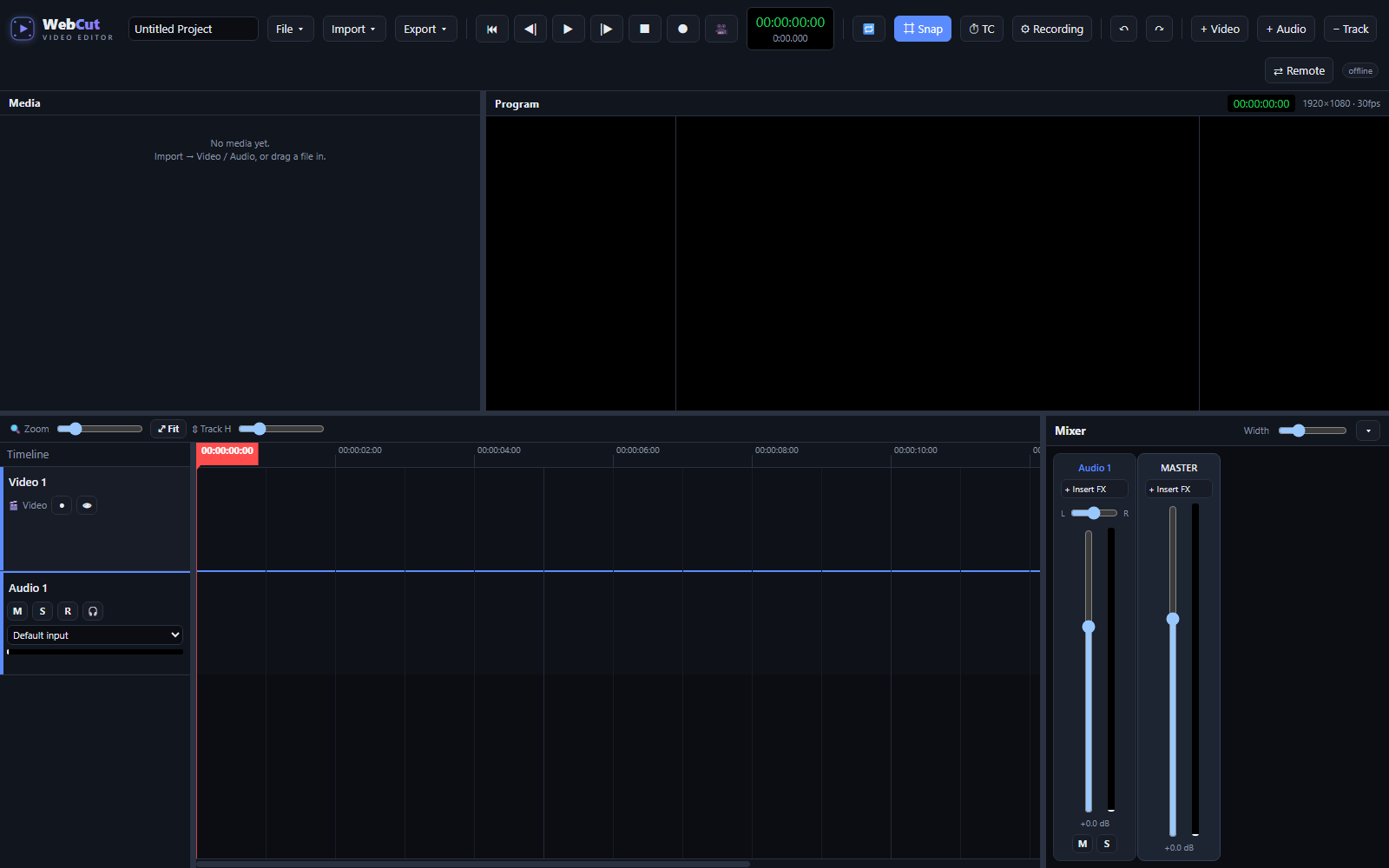
Channel strips with insert FX, instrument tracks, an on-screen keyboard and a step sequencer.
Remote sessions
Link two browsers over WebRTC to record or review together.
Installable
Runs as a PWA once installed, and saves projects on your own machine.