Clip video
CutClip
Long video in. Short clips out.
Drop in a podcast, interview or stream VOD. CutClip transcribes it, finds the moments worth posting, reframes them to vertical around whoever is speaking, and captions them.
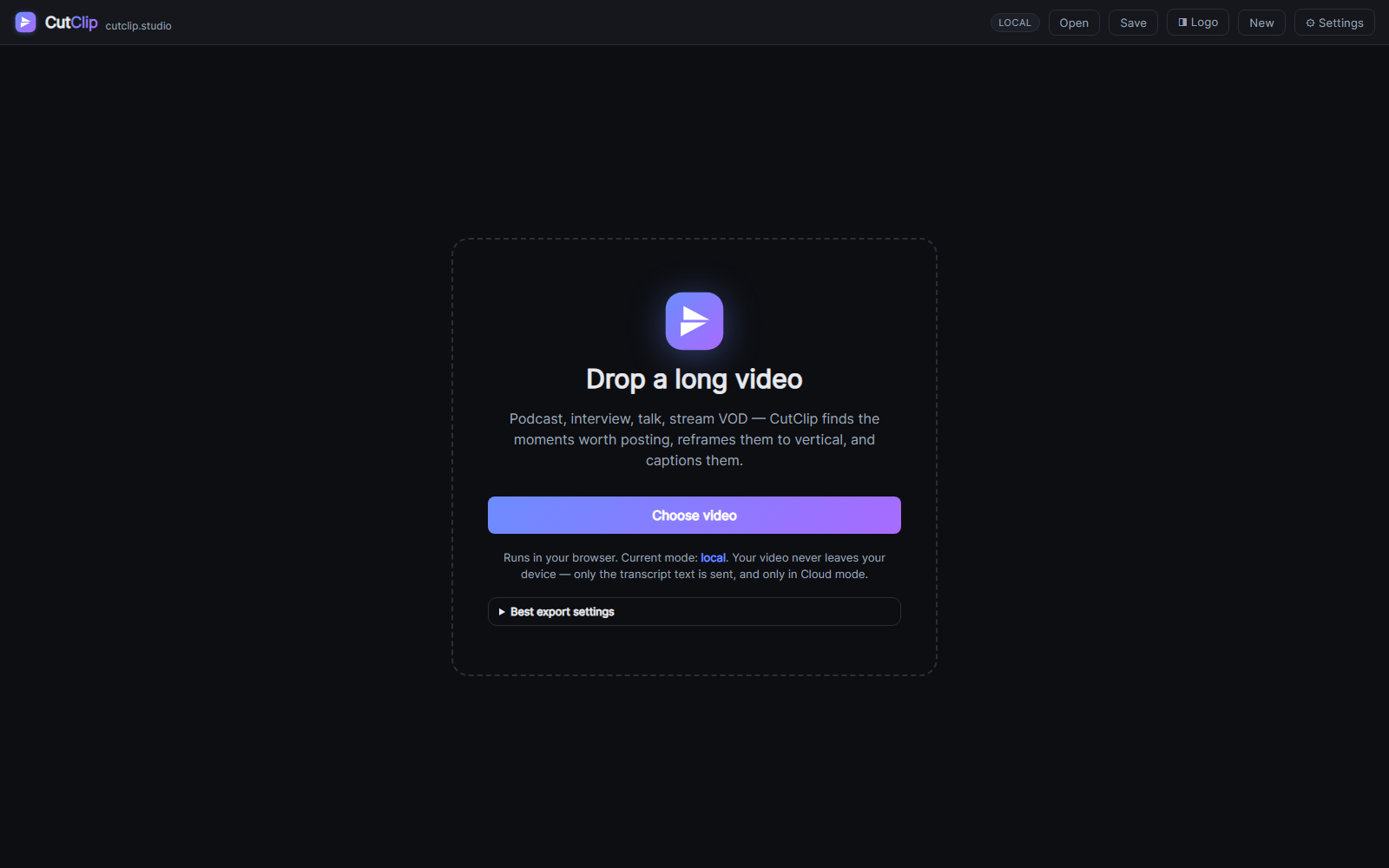
In the default Local mode, speech recognition runs in your browser with Whisper, so the video never leaves your computer. Clip selection snaps to sentence boundaries, and every suggested clip comes with a score and a short reason.
Reframing follows the active speaker using on-device face detection, and falls back to motion tracking when no face is visible. Split-screen and 2×2 grid layouts, B-roll overlays and fades are all available in the editor.
What's inside
Private transcription
Whisper runs in the browser. Local mode sends nothing to a server.
Ranked clips
Scored suggestions that start and end on whole sentences, with a reason for each pick.
Speaker reframe
Face tracking finds the person talking and keeps them in frame for 9:16, 1:1 or 16:9.
Layouts
Single, split and grid layouts with a draggable crop for each panel.
Captions & B-roll
Burned-in captions plus image or video overlays with timing and fit controls.
Batch export
Tick the clips you want and download them all as one ZIP.